
Huawei
Huawei Watch GT 2e receiving April 2021 update with bunch of new features

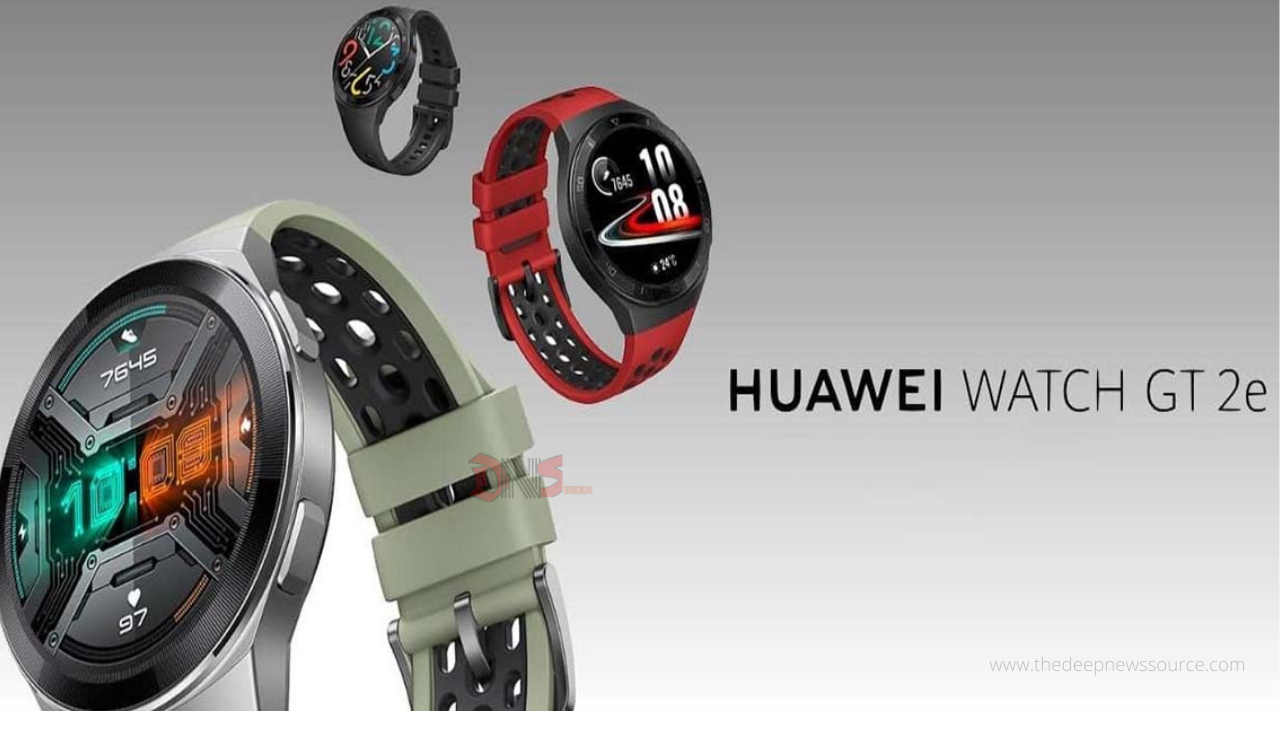
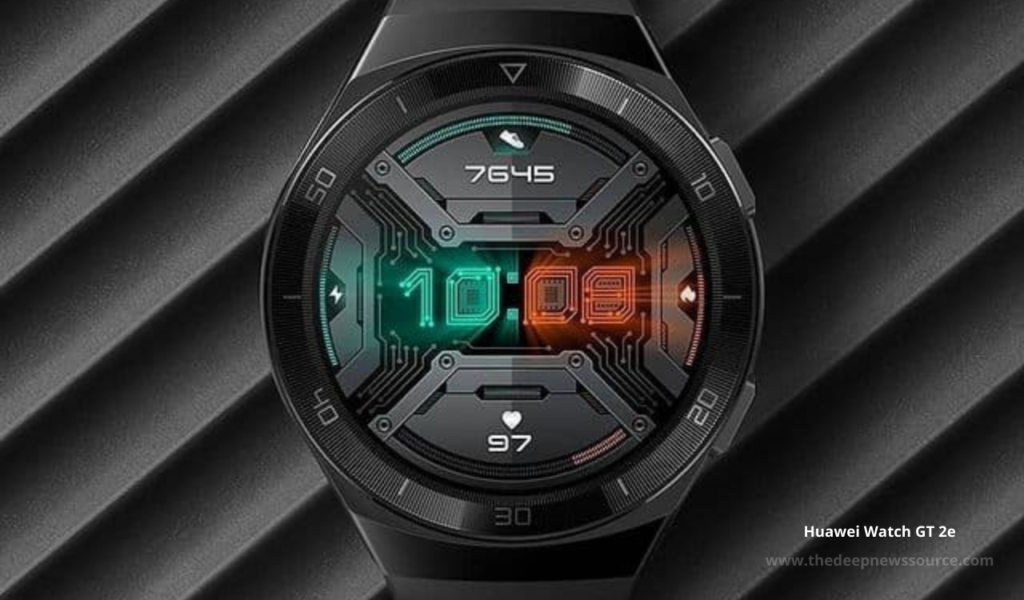
Huawei has started rolling out the April 2021 update for the Huawei Watch GT 2e smartwatch users. Recently the company has sent the April 2021 update for the Huawei Watch Fit, Huawei Watch GT 2 46mm and 42mm variants and Huawei Watch GT 2 Pro.
According to the changelog, the Watch GT 2e update comes with a bunch of new features and system optimization. Now after updating it, the Apple users can install more free watch faces, weather application brings the outdoor information like sunrise, sunset, tide, etc.
Moreover, added the moon phase information like the Huawei Watch Fit smartwatch, new weather warning feature and much more. The smartwatch users have received this update with the new version number 1.0.7.22 while the installation package size is 20.24MB. Below you can check the changelog.
Huawei Watch GT 2e April 2021 update changelog:
- iOS users can download and install more free watch faces
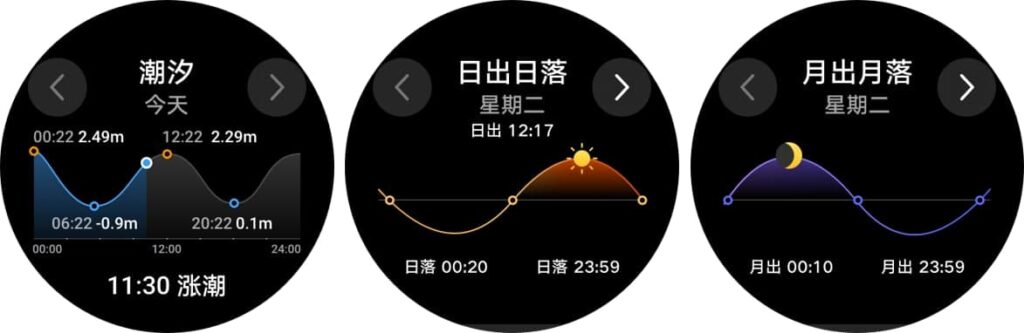
- Weather application supports outdoor environment information such as sunrise, sunset, tide, etc.
- Add moon phase information to the weather application card
- The altitude barometer application newly added the severe weather warning function
- In the exercise application, the elliptical machine supports the display of cadence and cadence-related data
- Optimize system stability in some scenes.
NOTE:
- The update progress in the app is just for transferring the update package, it still needs to be installed on the watch for the update to complete.
- The watch needs to have at least 20% battery to update.
- Make sure the Bluetooth connection is stable during the update. Try again if the update fails.
HOW TO UPDATE?
Connect the watch to your phone using the Huawei Health app, open the app, touch Devices, touch the device name, choose the latest software update, follow the onscreen instructions to update your smartwatch.
SOFTWARE INFORMATION:
Device Name:
- HUAWEI WATCH GT 2e
Update Version:
- 1.0.7.22
Update Size:
- 20.24MB
IF YOU LIKED OUR ARTICLE, YOU CAN FOLLOW US ON OUR GOOGLE NEWS AND TELEGRAM CHANNEL ALSO YOU CAN JOIN OUR DISCUSSION GROUP ON TELEGRAM.




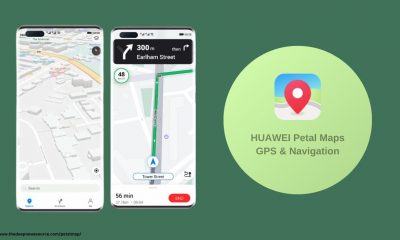



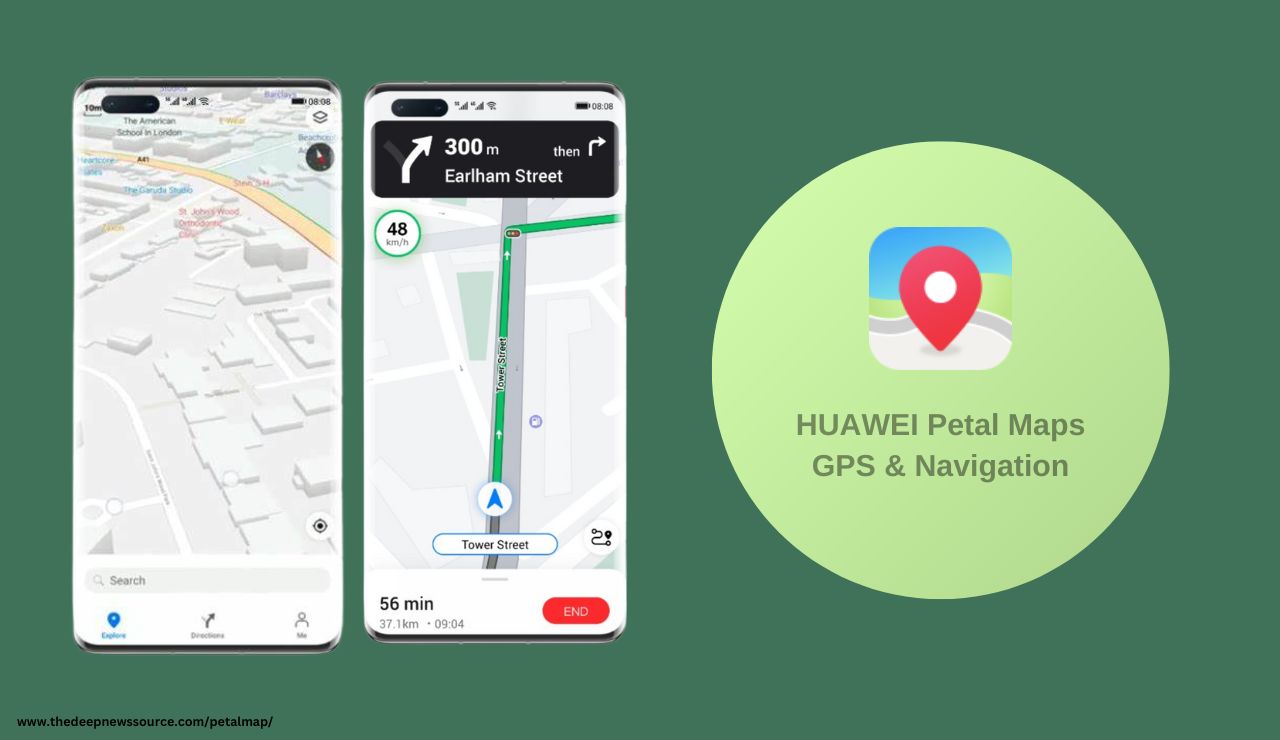
Huawei Petal Maps is introducing an exciting update, version 4.2.0.201 GPS & Navigation (beta), with enhanced features, optimizations, and Route ETAs improved very well an overall improved user experience. The rollout is gradual, so it may take some time before reaching your Huawei device. Stay tuned for the latest enhancements!
What’s New in this update.
- Route ETAs improved
Get an accurate ETA for destinations across time zones. - All-new Contribution screen
A clearer refreshed layout for the Contribution screen. - Quickly add notes to locations
When saving a location, you can add a note to easily find it later.
Now, you can download Huawei Petal Maps 4.2.0.201 on Huawei smartphones and smartwatches. This beta update brings thrilling features and optimizations, though some functions may still be in progress. No need to fret; a stable update with all the fancy features is on its way! Dive in early and enjoy the improvements.
Download Link:
Huawei Petal Maps 4.2.0.201 Changelog:
New Features:-
- Get an accurate ETA for destinations across time zones.
- A clearer refreshed layout for the Contribution screen.
- When saving a location, you can add a note to easily find it later.
For the more latest news, you can follow us on!
1. Telegram.
2. Google News.
3. Twitter.

Huawei Delights Phone Users: March 2024 Security Patch Details Released, Alongside EMUI 14 Beta Testing
Huawei has rolled out the specifics of its March 2024 security patch, ensuring enhanced phone protection. But wait, there’s more! They’ve also initiated a beta testing program for the much-anticipated EMUI 14 software update. This means lucky owners of premium Huawei phones get the exclusive chance to explore new features and tools ahead of the official release. With EMUI 14 buzzing in anticipation, the beta program kickoff confirms the earlier rumors of a first-quarter 2024 release. Exciting times for Huawei users!
Huawei recently started a test program for their upcoming EMUI 14 update. Right now, it’s open to a select few high-end phone owners, but more will be able to join soon. Meanwhile, don’t forget to update your phone with the latest security patch for added protection.

emui 14
EMUI security patch details [March]
Exciting news for Huawei phone users! The March 2024 security patch is here to make your phone safer and fix annoying bugs. This update tackles 29 vulnerabilities in your phone’s software, including 1 critical issue, 9 high-risk ones, and 13 medium-severity ones. It’s crucial to get this update to protect your device from potential harm by attackers.
Not only does the patch enhance security, but it also addresses bugs related to apps, permissions, and calling. This means a smoother and more reliable phone experience. Whether it’s fixing app loading issues, improving permissions, or resolving calling problems, the update has got it covered.
To keep your Huawei phone safe and running smoothly, don’t wait! Update your phone by heading to the settings menu and checking for software updates. Stay secure and enjoy a better phone performance with these improvements!
| Telegram | Google News | TwitterX |
Embracing the momentum of innovation, Huawei continues to elevate the user experience with its latest update to the Huawei Music app, marked by version 12.11.32.302. Unveiling a myriad of enhancements, this update, sized at a sleek 142.62 MB, is poised to captivate Huawei users across devices, extending its embrace even to Huawei smartwatches. With a commitment to delivering seamless and enriching musical journeys, Huawei Music stands as a testament to the brand’s dedication to fostering cutting-edge technologies that resonate with its global user base. Dive into a symphony of possibilities as Huawei invites you to explore the harmonious blend of technology and music in this latest, all-encompassing update.
SOFTWARE INFORMATION:
Application Name:
- Huawei Music
Update Version:
- 12.11.26.304
Update Size:
- 144.39MB.
Download Link:
Also, you can install this latest version via Huawei AppGallery.
For the latest news, join us on our telegram channel: link below

- Latest version: It appears to be a recent update to the Huawei Music app, released in January 2024.
- Features: Based on information from various sources, this version likely includes bug fixes, performance improvements, and potentially new features.
Here are some additional details:
- Official source: While not available on the Google Play Store, you can find information about the update on Huawei forums and app stores.
- Functionality: Huawei Music is a music streaming service and music player app developed by Huawei. It offers features like:
- Streaming music online
- Playing local music files
- Personalized music recommendations
- Creating playlists
| Telegram | Google News | TwitterX |